
Landess Innovations is an authorized ProcessCoach reseller and solution provider
INTRODUCING
Your Virtual AI Assistant


ProcessCoach uses AI to design step-by-step processes, assign tasks, build a company knowledge base, and automate workflows.

DON'T STAY STUCK
ProcessCoach unlocks the power of generative AI inside your business








We need AI,but we're not techical enough
We don't want another tool to learn
When someone leaves, their knowledge leaves
Our systems don't talk to each other
Most automation software takes some technical knowledge, but not ProcessCoach - you can talk to it just like you'd talk to your team.
Dread asking your team to learn new software? ProcessCoach works where you work, so once a process is set up, you work through the tools you already use.
Stop allowing your business to grind to a halt when key employees are out sick or eventually retire.
ProcessCoach connects to your tools through reusable integrations. Data flows between systems - your CRM, email, and more - without manual entry by your team.
Have a big binder of SOPs sitting on a dusty shelf?
Bring them to life with these four main components of ProcessCoach:

Plays
PLAN
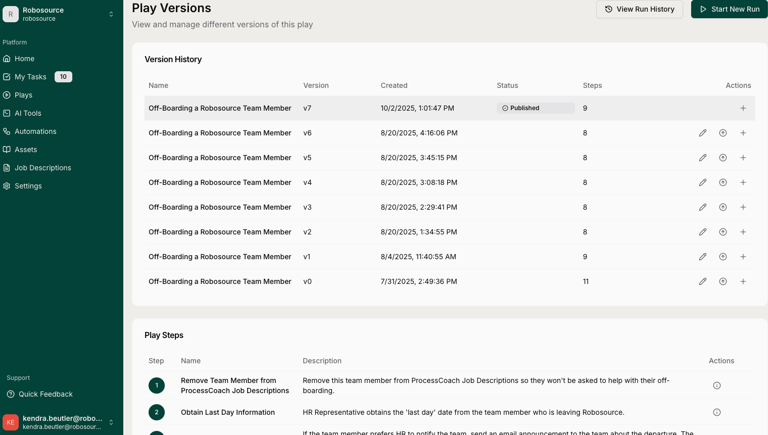
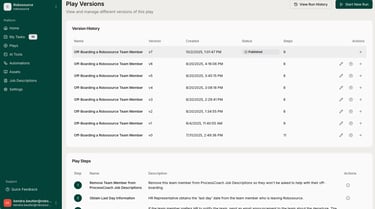
In ProcessCoach, a "Play" is essentially a business process or SOP that helps streamlime time-consuming tasks. When creating a play, you need to define its purpose, goal, output, and the prerequisites for each step. Every ProcessCoach subscription comes with six standard plays, including Customer Onboarding, Employee Onboarding, Performance Management, invoice Processing, Running Payroll, and SWOT Analysis.
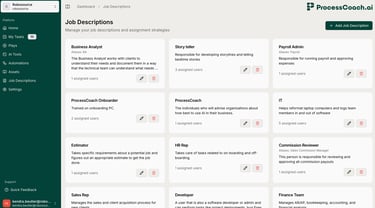
The Job Description section in ProcessCoach defines which team members should perform each step in your Plays, with assignment based on who would benefit most from automating that particular process. While you can assign just one person to each Job Description, it's often better to assign multiple people to avoid disruptions when someone is unavailable.
Job Descriptions
ASSIGN
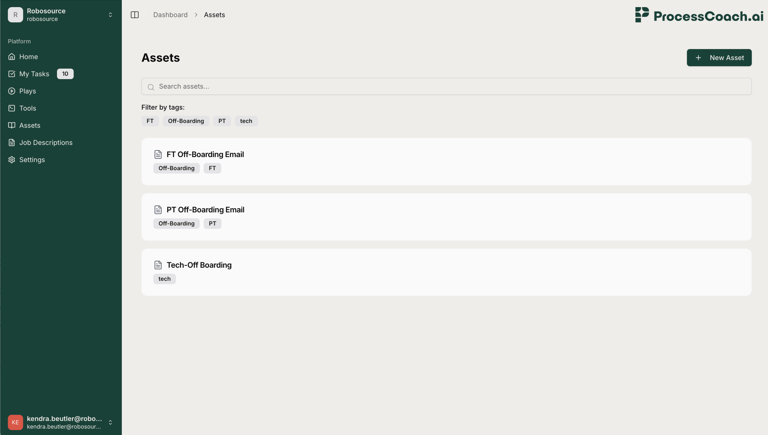
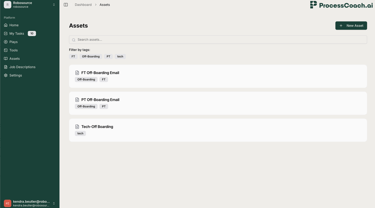
Assets in ProcessCoach are a way to store company-side information that supports employees in completing their steps within plays. Assets provide additional helpful documentation like FAQs, sales numbers, or financial statement that would assist someone new to the department in understanding how to complete their tasks.
Company Assets
TRAIN
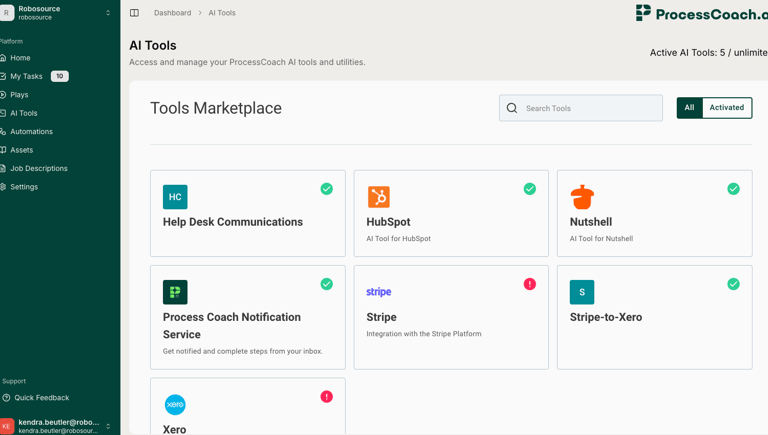
To use Tools in ProcessCoach, think: what tools would I use to complete this step? ProcessCoach integrates with a number of other software tools and platforms, and we're constantly building that list. Once you have a Tool activated, if you have a step in your Play that says, "Go add the new client into HubSpot," ProcessCoach will start doing that for you.
Tools
FLOW